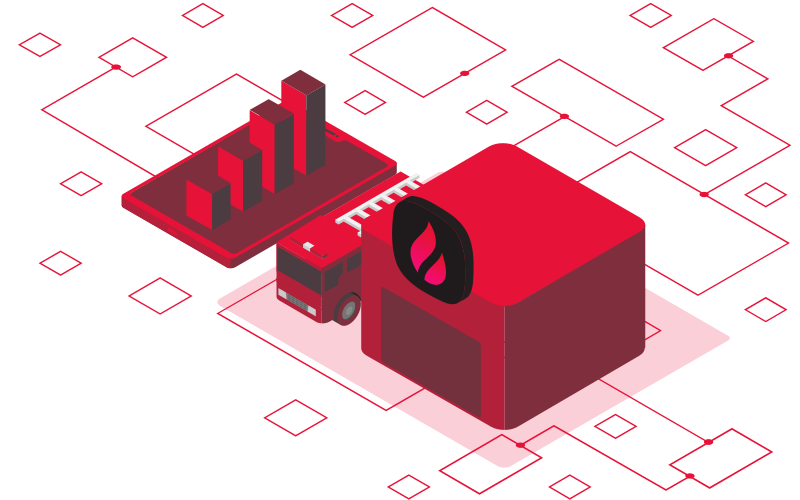
Command, incidents, and automation in one place.
Firedash brings your devices, team, and procedures into a single real-time platform. Monitor status, trigger responses, and manage incidents from any device.
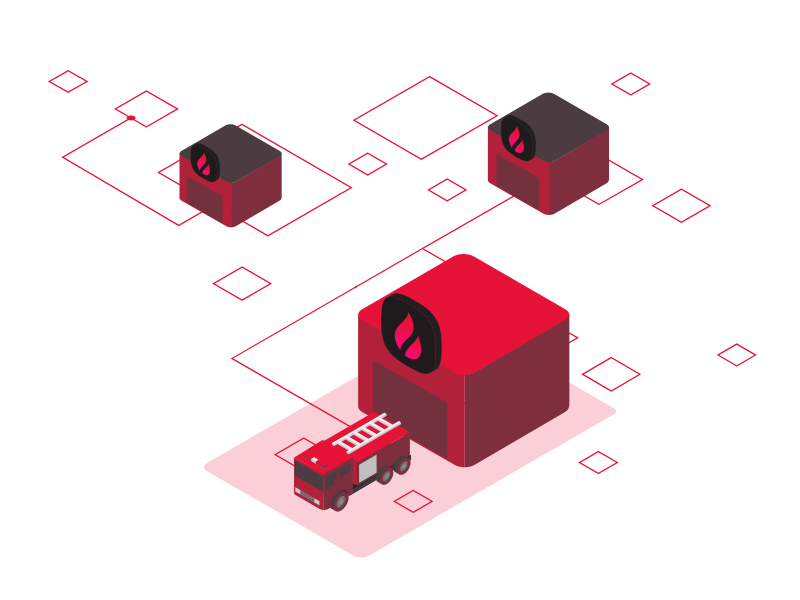
Live control dashboard
Firedash, wherever the call takes you
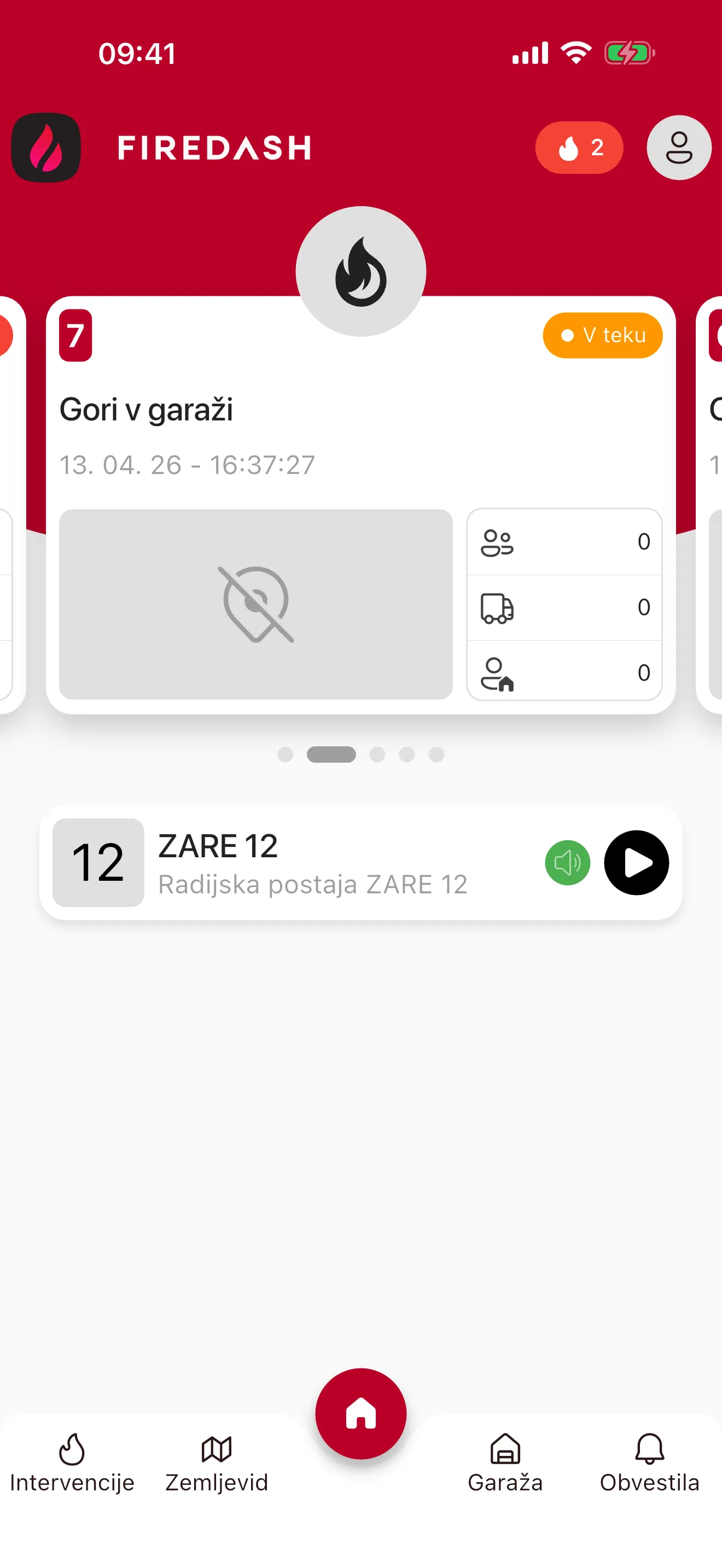
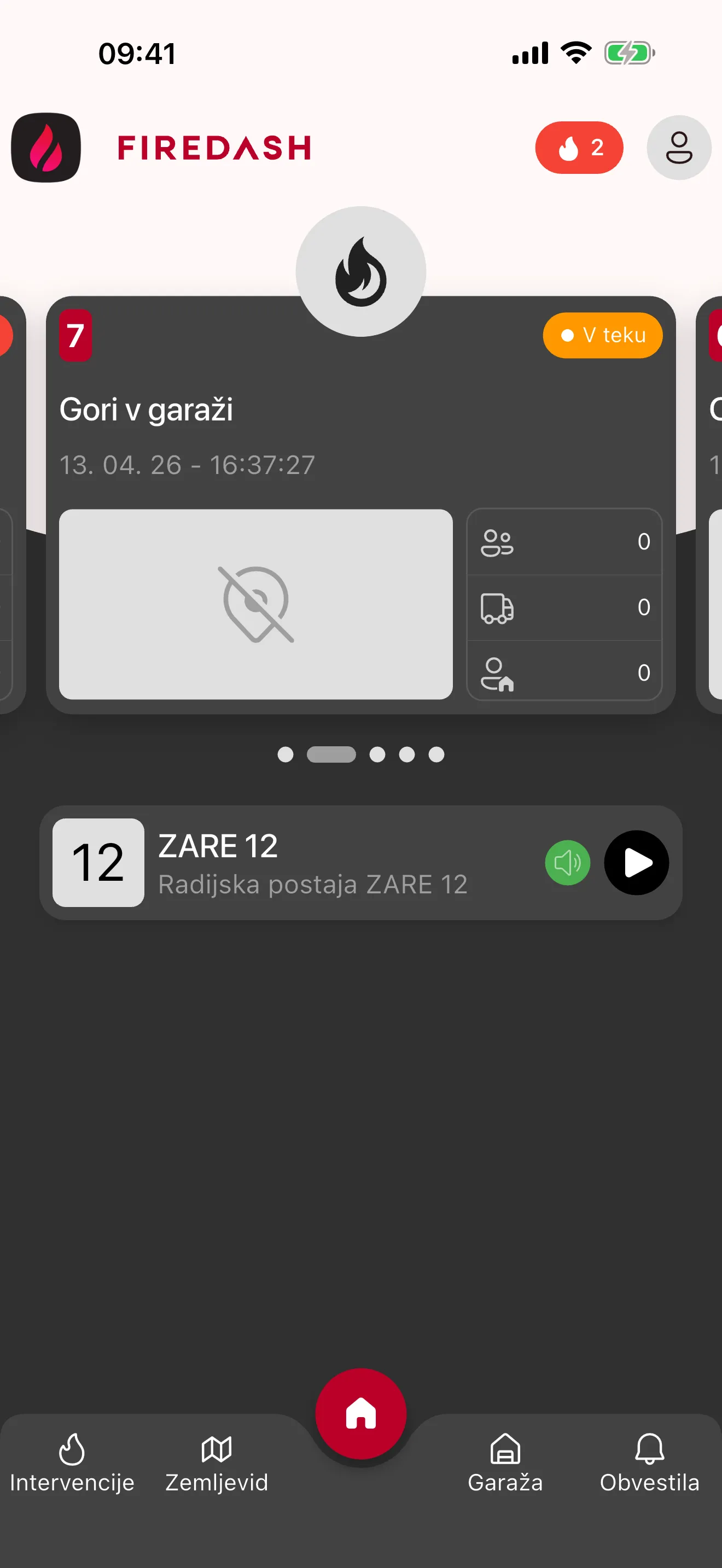
Give every member a real-time view of incidents, responses, fire plans, and connected devices, right on their phone. Included for brigades using Firedash.
- Live incident overview. See active incidents, crew responses, and status updates as they happen.
- Instant push alerts. Notify members about new incidents and critical updates the moment they matter.
- Incident maps and fire plans. Open incident locations, fire plans, and key facilities from one field-ready view.
- Connected device control. Operate switches remotely and track every device state.
A dedicated command touchscreen display
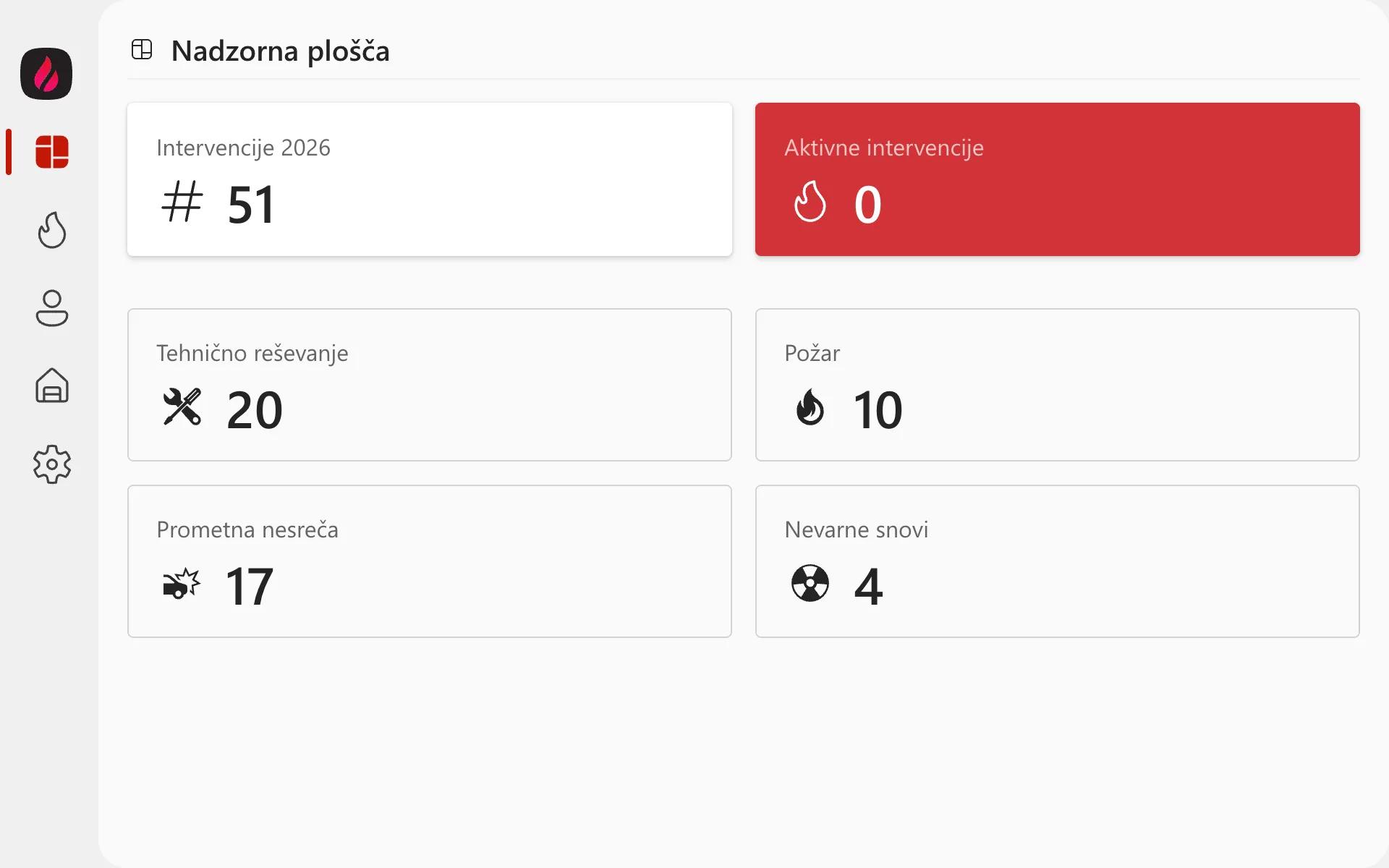
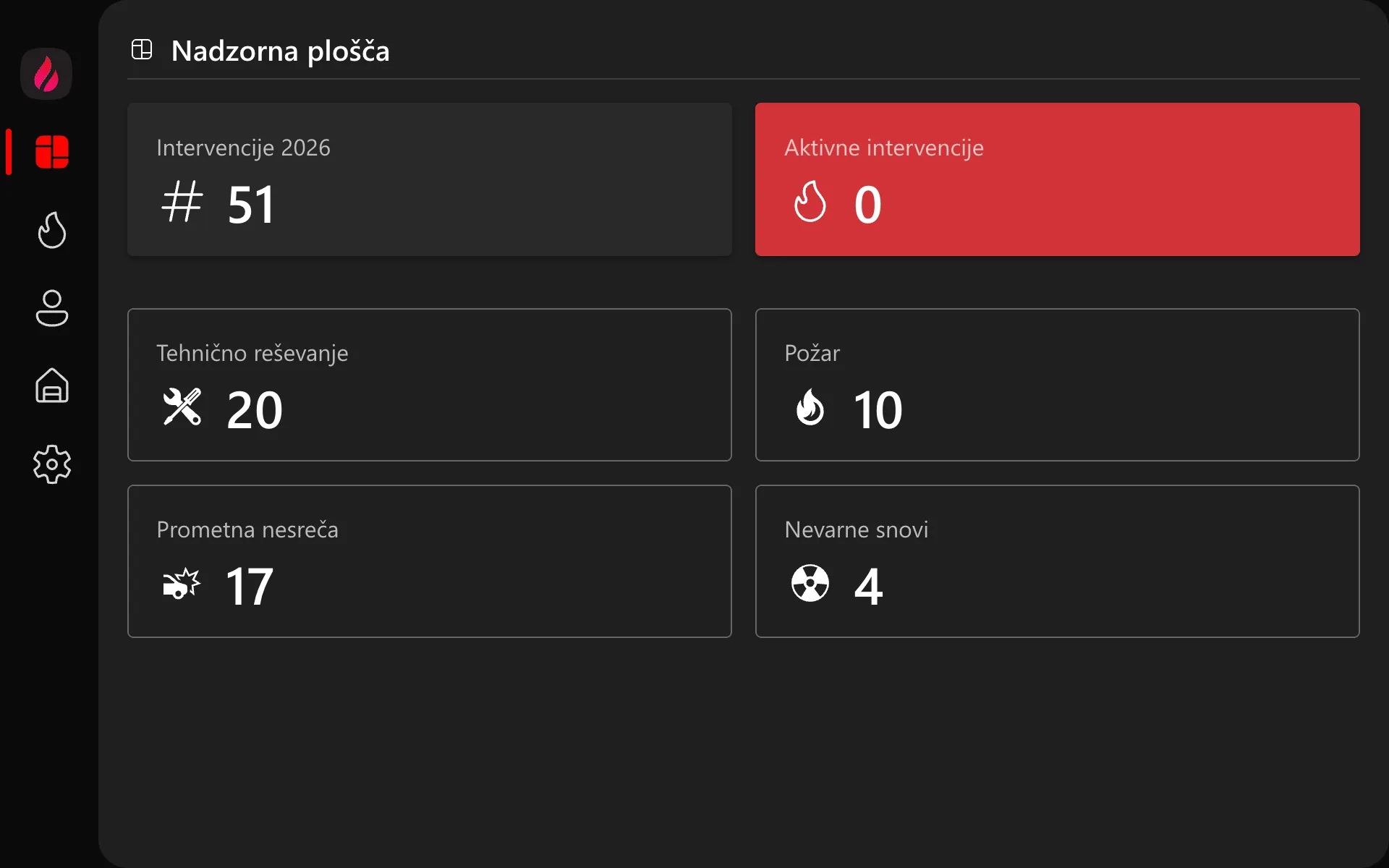
Keep live Firedash data visible where decisions happen: in the garage, command vehicle, or operations room.
- Incident timeline. Track active incidents, crew responses, and current statuses.
- Live device control. Manage connected switches and sensors, and track event history.
- Fire plans and facilities. View fire plans, facilities, and incident locations together in one operational view.
Everything a modern fire brigade needs
From remote device control to automated incident workflows.
Remote device control
Control switches and switch groups with real-time feedback.
Incident management
Create, track, and update incidents with clear statuses, history, and team assignments. Filter by type and receive push alerts for every change.
Activity logging
Log crew activities, assignments, and attendance with one click.
Fire safety plans & facilities
Keep evacuation plans, fire plans, facility managers, and documents organized by facility and available on any device.
Vehicle and fleet management
Track fire trucks, assign vehicles to incidents, and keep fleet records up to date.
Workflow automation
A visual editor for automated responses to events, no code required.
Team & device management
Manage members, roles, operational duties, and contact details. Add new devices securely in a few steps.
Real-time notifications
Instant push notifications and in-app alerts for new incidents, status changes, and assignment updates.
How it works
From installation to a working system in a few steps.
1. Connect your devices
Devices connect securely in a few steps.
2. Monitor in real time
Status and events appear instantly on the dashboard across every device.
3. Automate the response
Build workflows that trigger actions automatically when events occur.
All the essentials on one screen
Switches, groups, device status, and events are real-time and configurable for your team.
Dashboard
From start to finish
Clear history, assignments, and statuses. Filter by type, receive push alerts, and keep every team member informed.
Interventions
Visual flow editor
Connect triggers and actions without code. Repeatable procedures, fewer mistakes.
Flows